
Before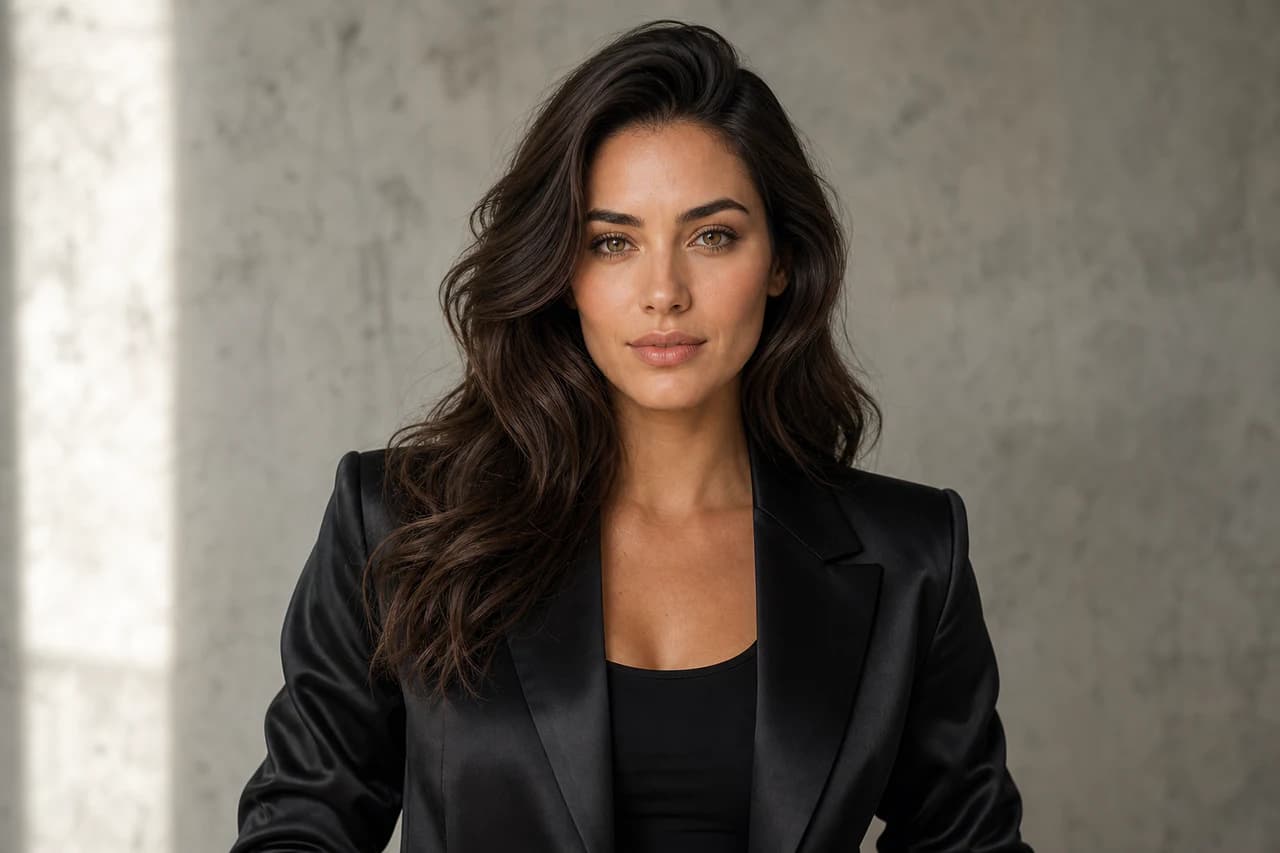
After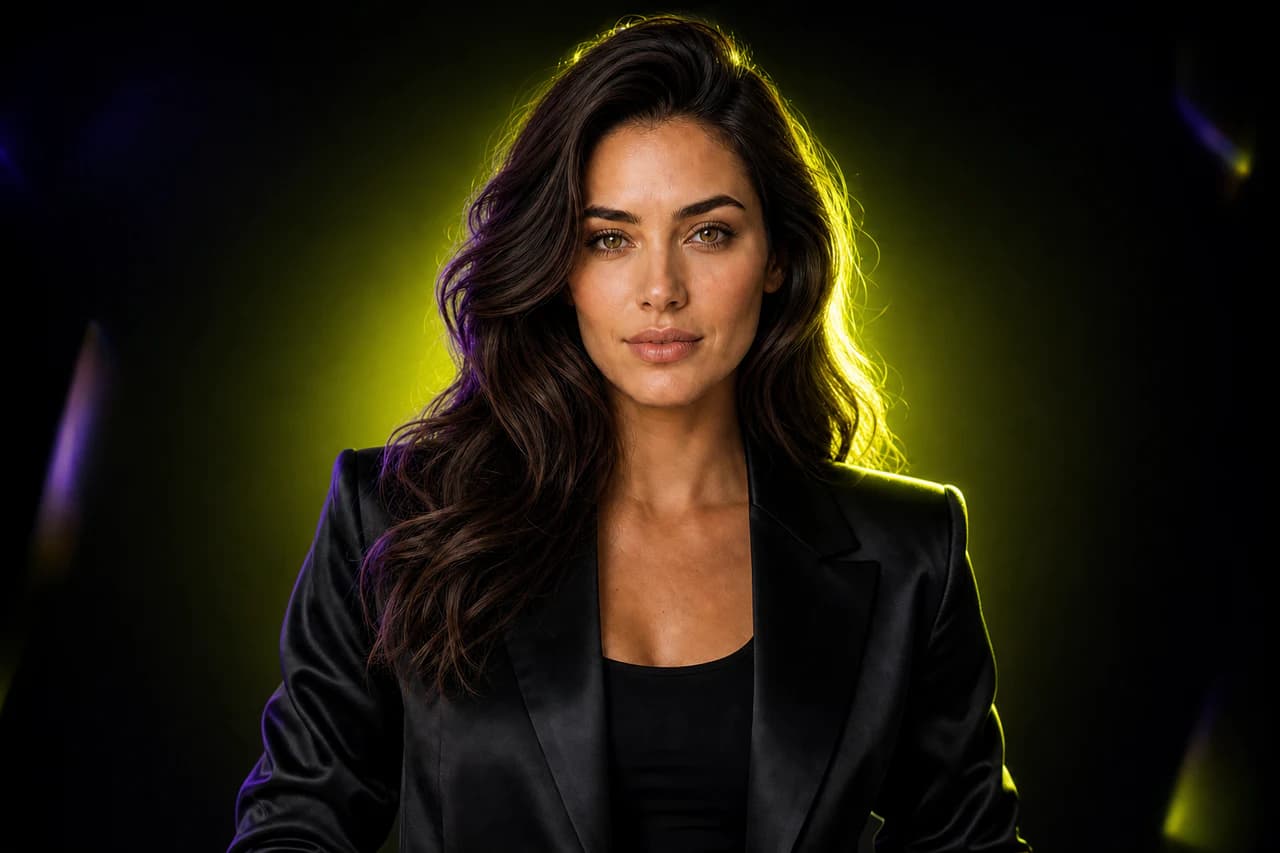
AI Photo Editor
Use an existing image as the anchor, then change its background, lighting, color palette, or visual style with a written instruction.
Create from text, edit a reference image, or turn a still into a short video.
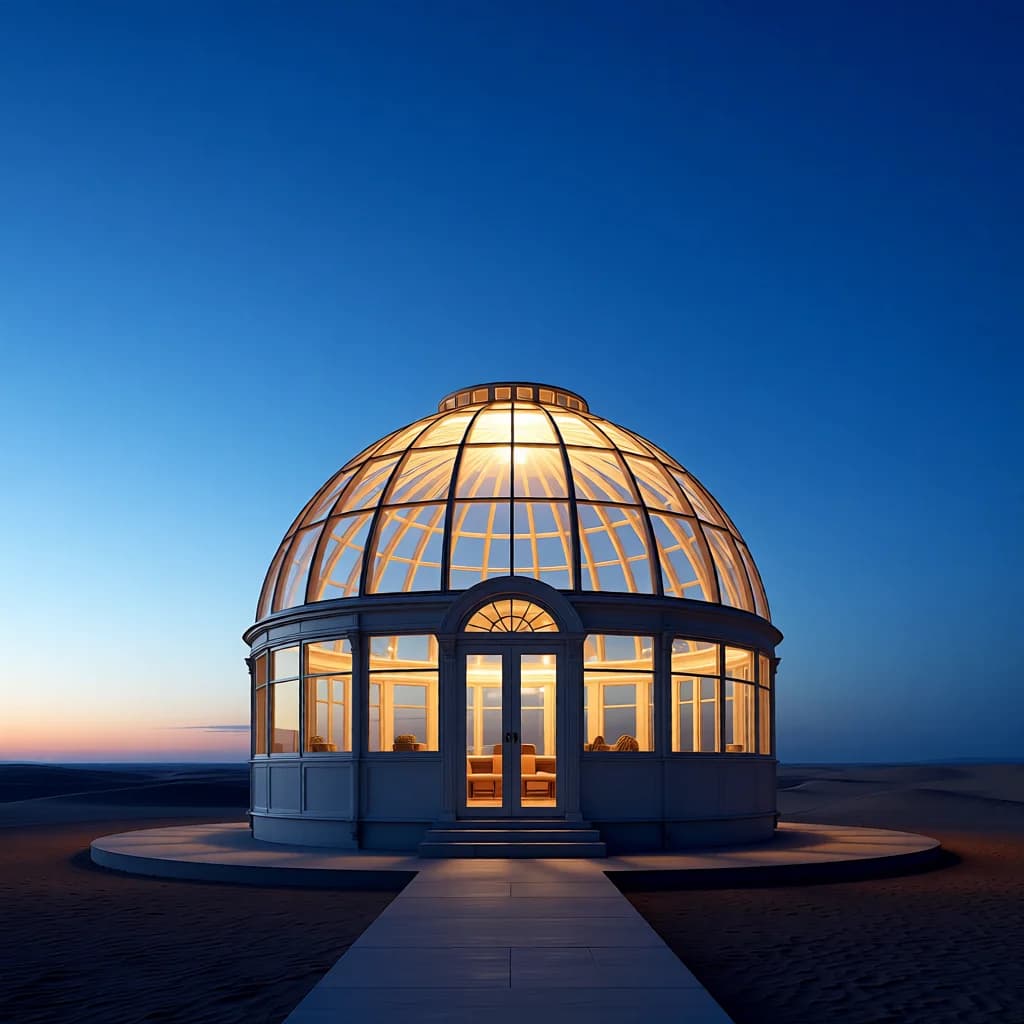
A glass greenhouse observatory in a quiet desert at blue hour, warm luminous interior, centered cinematic composition.
Four full comparisons across portraits, products, and interiors.
Use an existing image as the anchor, then change its background, lighting, color palette, or visual style with a written instruction.
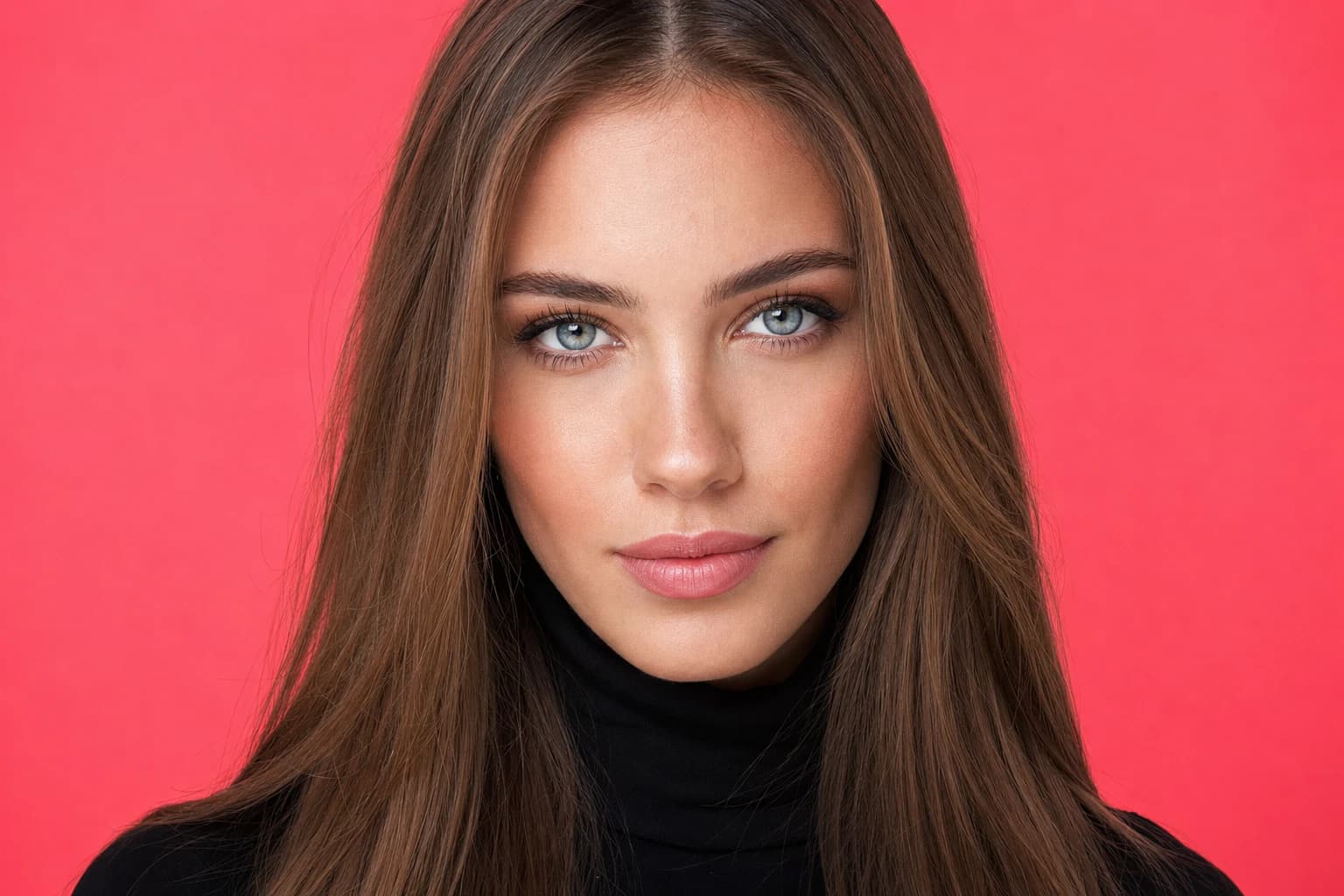
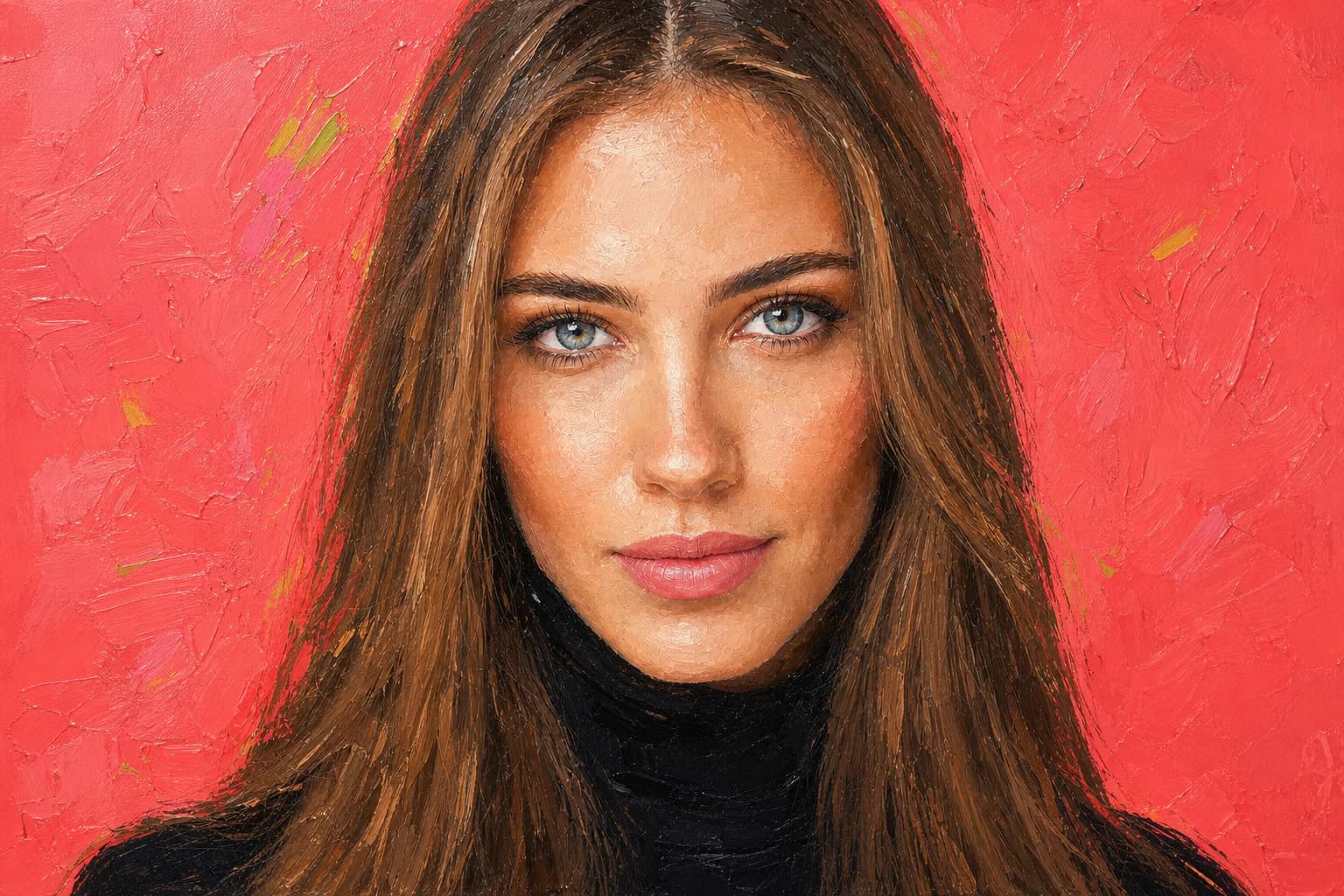
Presets and examples are designed for everyday creative and commercial tasks.
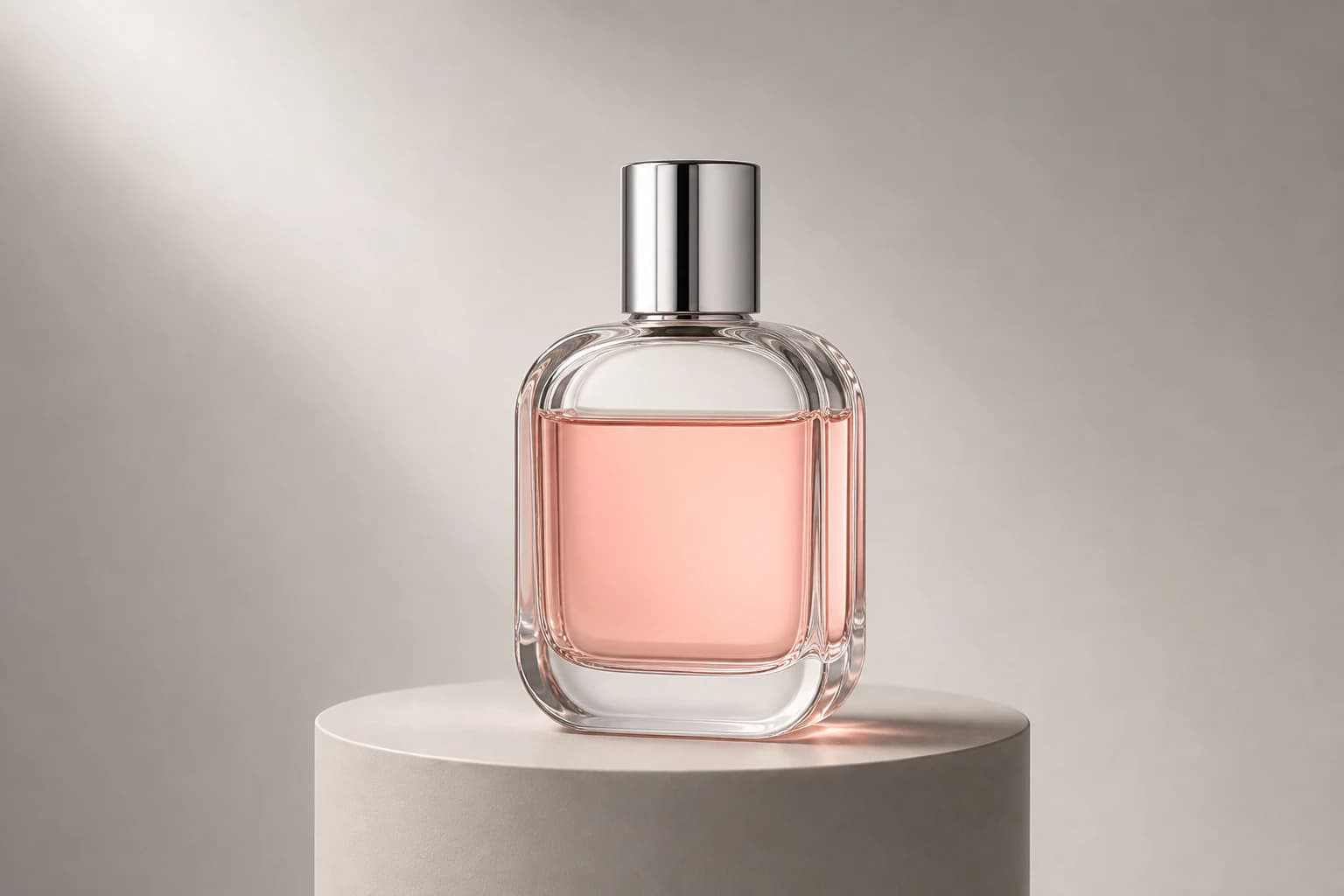
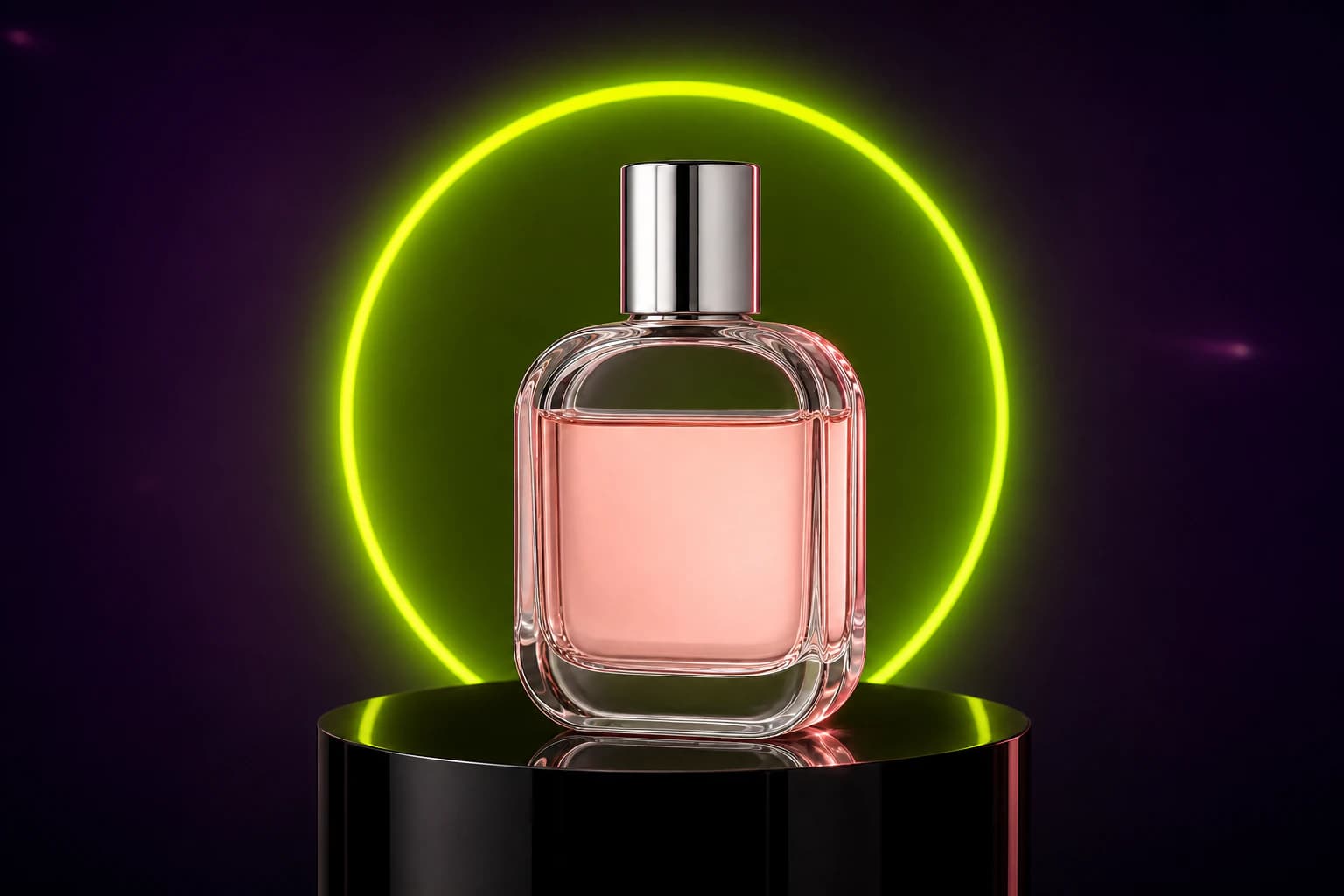
Compare both complete images at once while the main subject and framing remain recognizable.
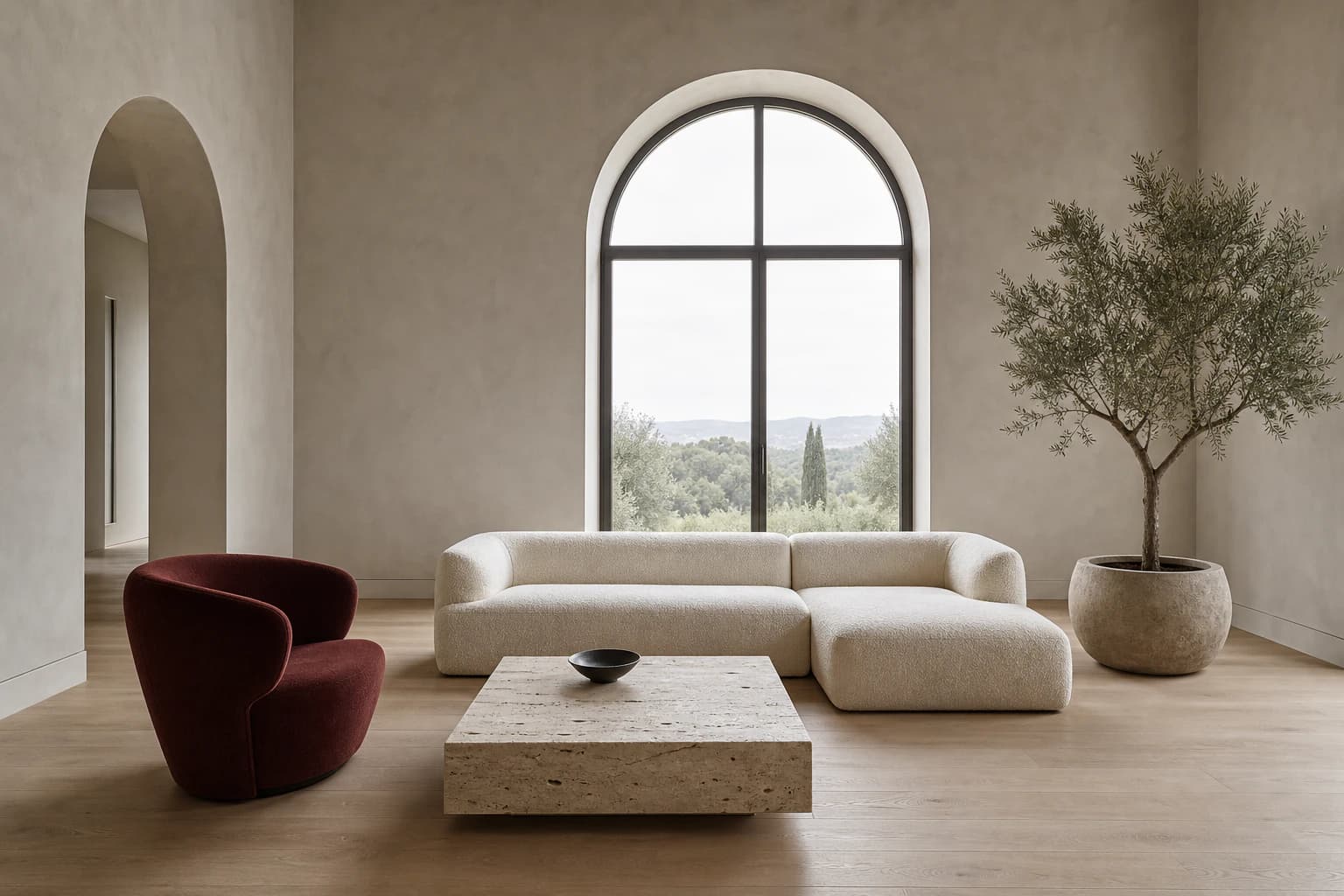
Write a prompt, choose a direction and size, then follow the result from queue to download.
Start with a written prompt, transform a reference image, or animate a still. Each workflow has a dedicated generator and private project history.
Turn a prompt into an original image with creative freedom over composition, aspect ratio, lighting, palette, and visual medium.
Open Text to ImageUpload a reference image, describe the exact change, and create a new variation while asking the AI to preserve the subject, composition, and important details.
Open Image to ImageAnimate a still image with a clear subject action, subtle environmental movement, and deliberate camera direction in one short AI video workflow.
Open Image to VideoA practical interface connected to capabilities you can actually use.
Write a prompt, choose a direction and size, then follow the result from queue to download.
Uploads and generations are not placed in a public community feed.
Presets and examples are designed for everyday creative and commercial tasks.
The same direct flow runs through image generation and editing tools.
Describe the result you want to create.
Write a prompt, choose a direction and size, then follow the result from queue to download.
Your generated result replaces this example and remains private to your account.
Create an account and complete your first generation free if eligible, then use one shared balance across image and video tools.
What to expect before starting a generation.
It means you can direct the subject, composition, aspect ratio, lighting, palette, and visual medium in your own words, then refine or transform the result across connected tools. It does not mean unfiltered generation: lawful-use rules and safety protections still apply.
Projects stay private by default. After a generation completes, you can optionally create a public result link and disable it again at any time.
No. Start with one sentence, then use prompt polish or an idea chip to add useful visual detail.
Yes, when you own the photo or have permission to edit it. Use a precise prompt that names both the intended change and the identity details that should remain consistent.
Yes. Open Image to Video, upload the still image and describe one coherent subject action, environmental movement and camera direction.