
Your subject and story
Describe people, products, spaces, characters, objects, and imagined worlds in your own language.
Create AI images freely with control over subject, composition, lighting, palette, visual style, and aspect ratio—then keep every result private.
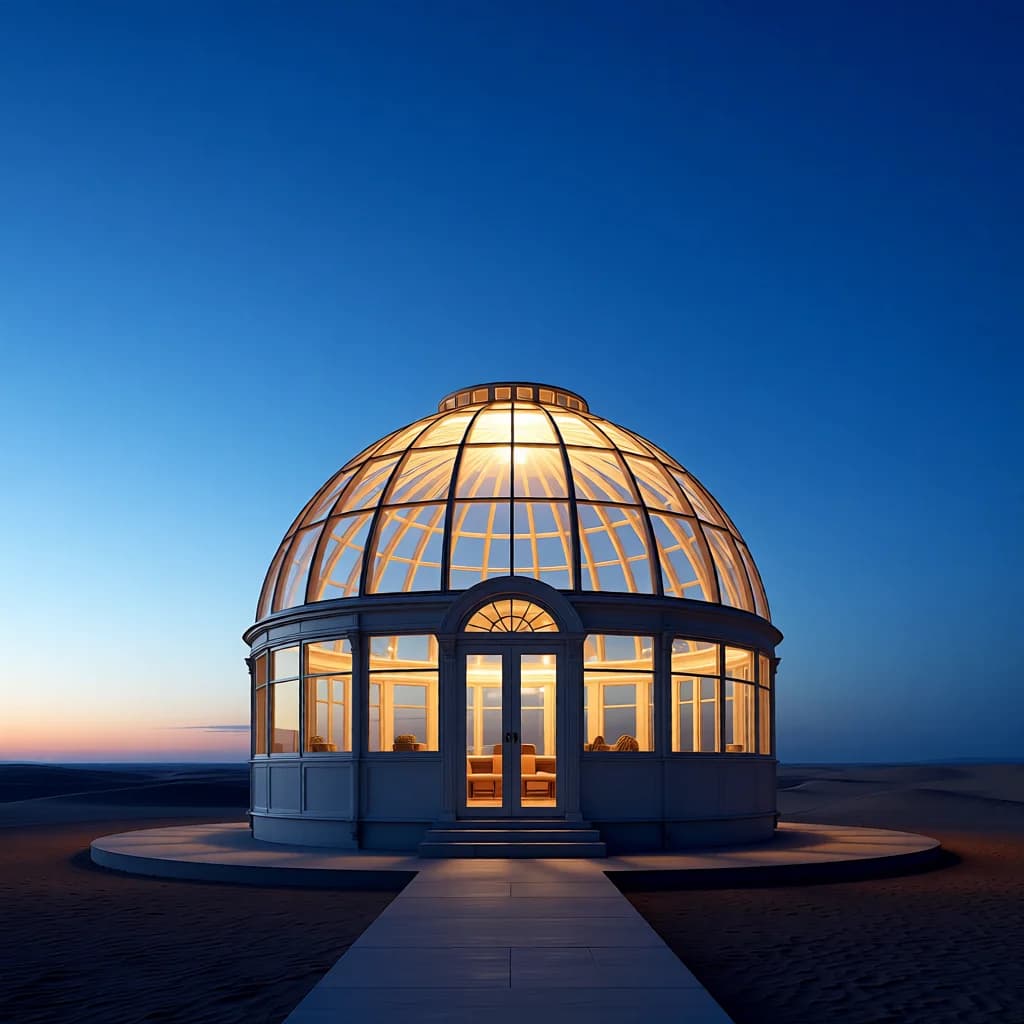
A glass greenhouse observatory in a quiet desert at blue hour, warm luminous interior, centered cinematic composition.
Move from your own idea to a finished image by directing the subject, framing, light, color, medium, and output shape. Creative freedom here means flexible artistic control for lawful, normal-content creation—not a claim of unfiltered generation.
Describe people, products, spaces, characters, objects, and imagined worlds in your own language.
Control composition, lighting, palette, atmosphere, photography, illustration, painting, sketch, or 3D.
Choose from seven aspect ratios, refine the prompt, review the result, and continue editing across connected tools.
Subject + setting + composition + lighting + palette + visual medium + aspect ratio.
Create original visuals without stock-photo hunting or a complicated design application.
Direct the subject, setting, composition, lighting, color, and visual medium in your own words.
Choose formats for feeds, stories, presentations, banners, and thumbnails.
Refine a rough idea into a clearer production-ready image prompt.
Describe the subject, setting, composition, lighting, palette, and visual medium.
Choose a visual direction and one of seven output aspect ratios.
Review the full result, download it, or continue from private history.
It means you can direct the subject, composition, aspect ratio, lighting, palette, and visual medium in your own words, then refine or transform the result across connected tools. It does not mean unfiltered generation: lawful-use rules and safety protections still apply.
Projects stay private by default. After a generation completes, you can optionally create a public result link and disable it again at any time.
No. Start with one sentence, then use prompt polish or an idea chip to add useful visual detail.
Create an account and complete your first generation free if eligible, then use one shared balance across image and video tools.
Open the generator · AI Image Generator