
Define and protect
- Name the exact object or attribute to edit
- State what must remain untouched
- Make one focused change per generation
Upload a photo and make one focused edit in plain language.
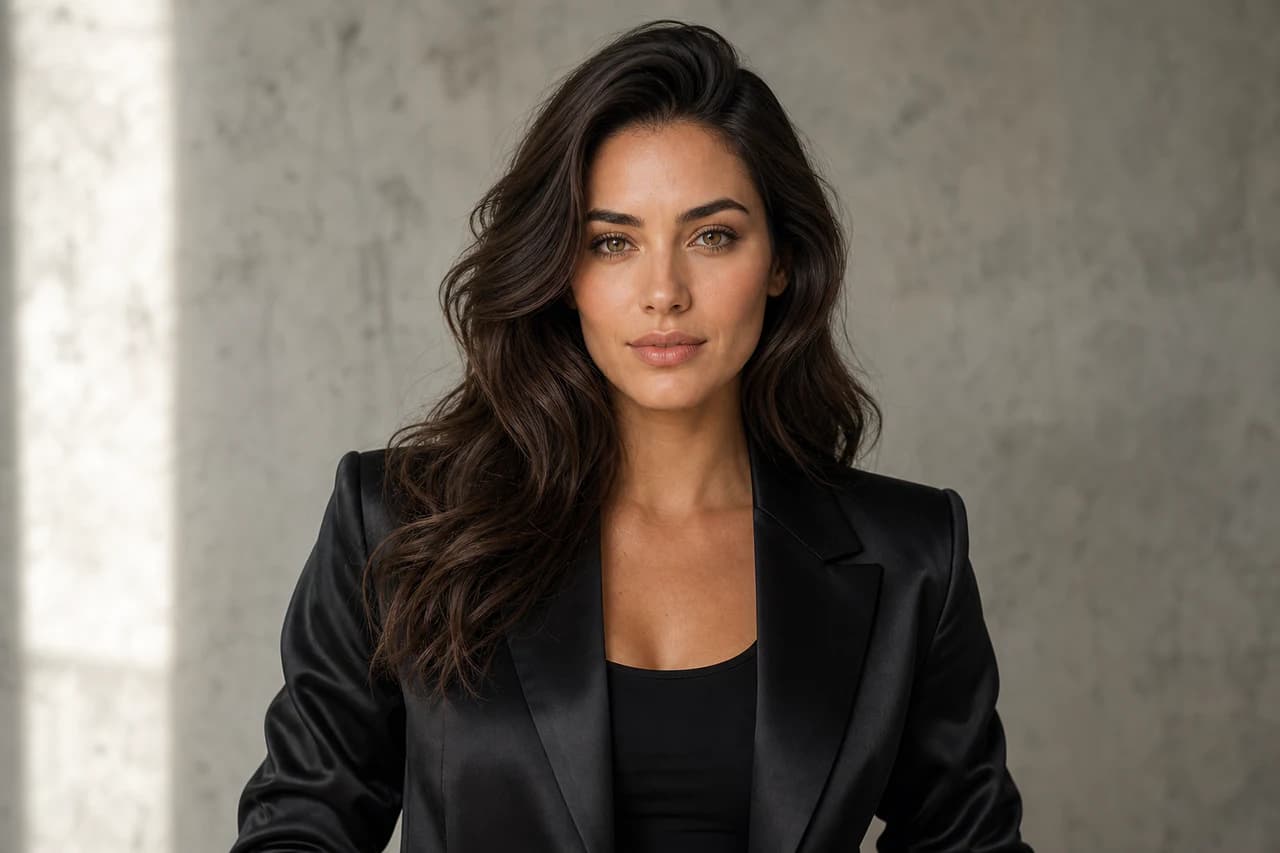
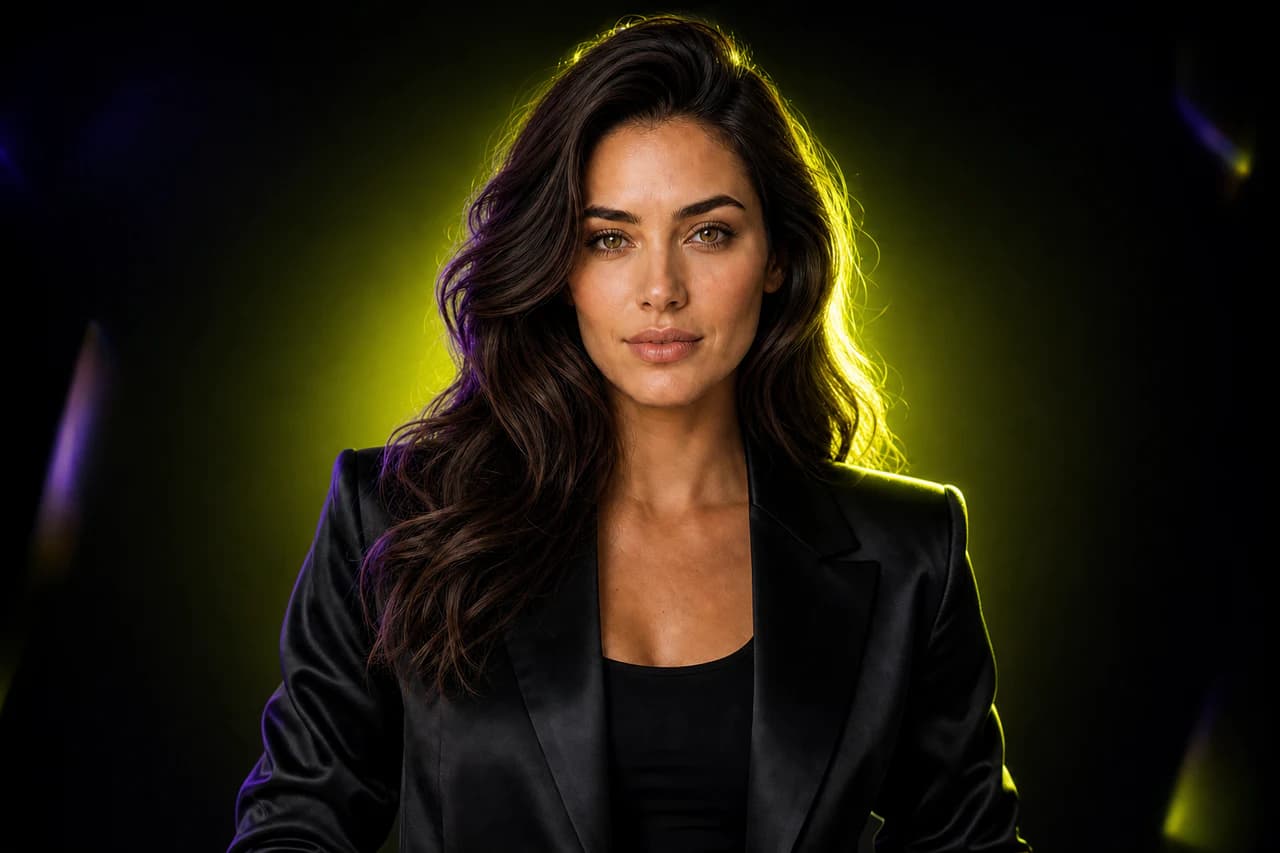 BeforeAfter
Your generated result replaces this example and remains private to your account.
Change only [bounded edit]. Preserve [identity, layout, crop, light, and untouched objects]. Reconstruct [affected area] naturally.
Skip complex toolbars when the edit can be explained clearly in one instruction.
State what to change and explicitly name details that should remain fixed.
Prompt polish turns a vague editing request into a more precise instruction.
Keep your upload visible while reviewing the generated result.
Choose one JPG, PNG, or WebP reference image up to 10 MB.
Name the requested change and the identity, composition, or details that must stay fixed.
Choose the edit strength, then compare the complete source and result.
The prompt asks the model to preserve unedited details, but generative editing can still introduce small variations. Review every result before use.
Your uploaded source is never replaced. Start a new generation from the original image whenever you want.
Projects stay private by default. After a generation completes, you can optionally create a public result link and disable it again at any time.
Create an account and complete your first generation free if eligible, then use one shared balance across image and video tools.
Open the generator · AI Photo Editor