
Define and protect
- Subject identity or product shape
- Composition, crop, and camera angle
- Important objects, materials, labels, and colours
Upload a reference and describe exactly what should change.
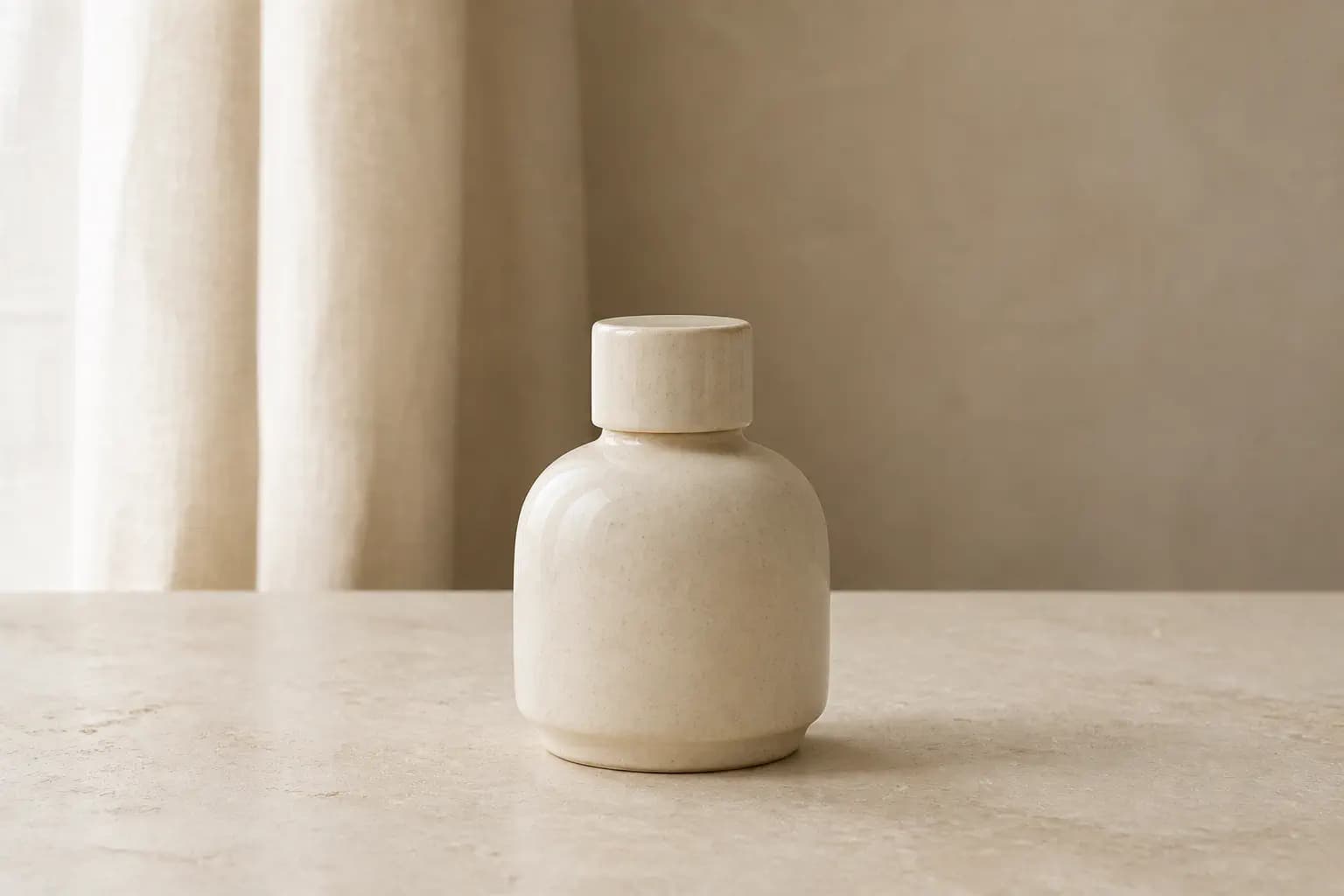
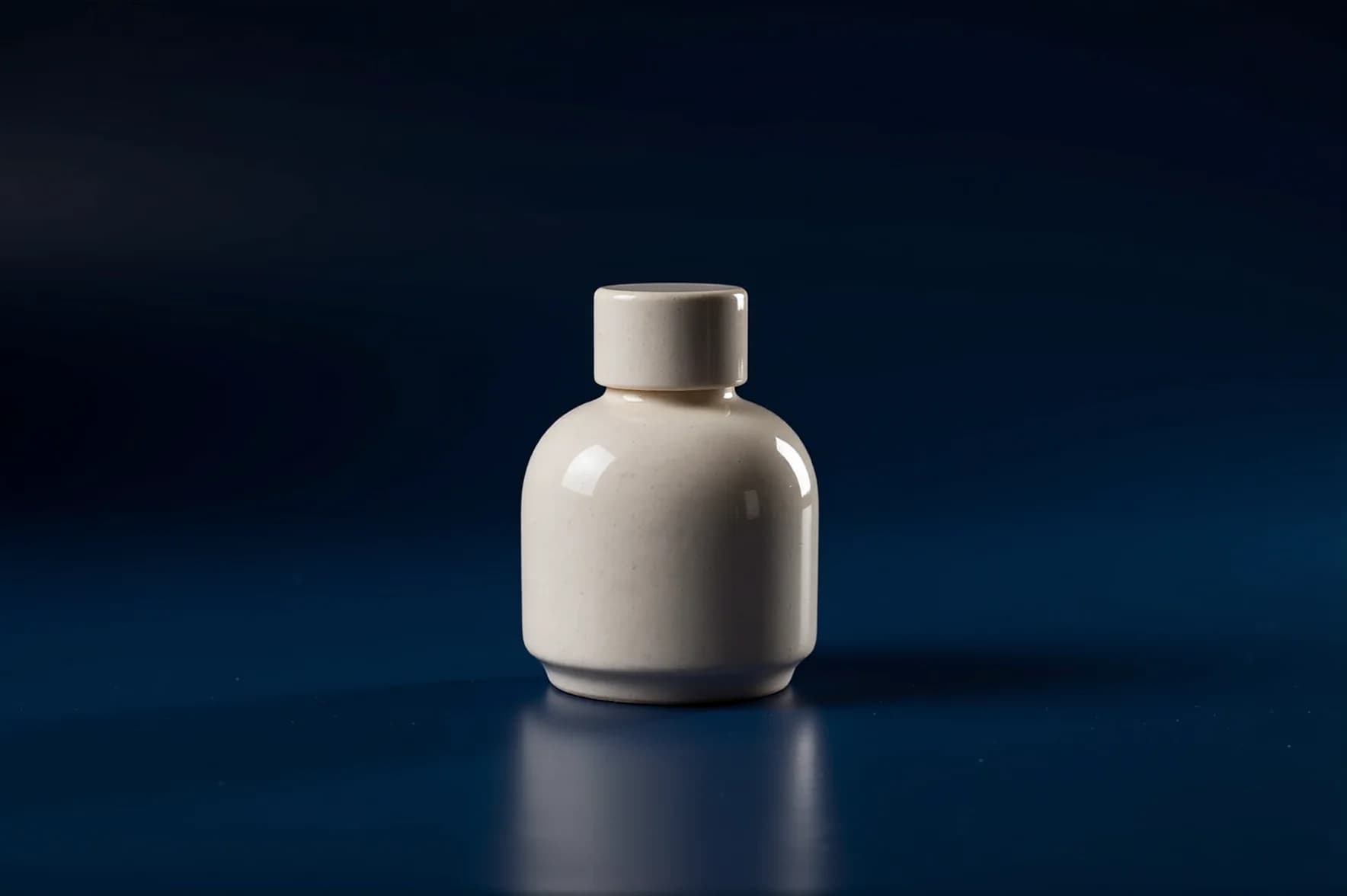 BeforeAfter
Preserve the ceramic bottle and replace only the setting with a deep navy product studio and controlled rim light.
Preserve [protected details]. Change [one main attribute]. Render with [light, material, palette, medium]. Do not alter [constraints].
Use your source image as the visual anchor and explain exactly what should change.
The uploaded image supplies structure, subject placement, and composition.
Describe both the requested change and what should remain untouched.
Image edits keep an automatic output format rather than forcing a new crop.
Choose one JPG, PNG, or WebP reference image up to 10 MB.
Name the requested change and the identity, composition, or details that must stay fixed.
Choose the edit strength, then compare the complete source and result.
Use a clear JPG, PNG, or WebP image up to 10 MB that you own or have permission to edit.
Image-to-image uses automatic dimensions so the source composition is not unexpectedly cropped.
Projects stay private by default. After a generation completes, you can optionally create a public result link and disable it again at any time.
Create an account and complete your first generation free if eligible, then use one shared balance across image and video tools.
Open the generator · Image to Image