
Define and protect
- Foreground silhouette, colour, and material
- Camera angle, crop, and contact point
- Facial or product details that define the subject
Keep the subject and place it in a new, believable setting.
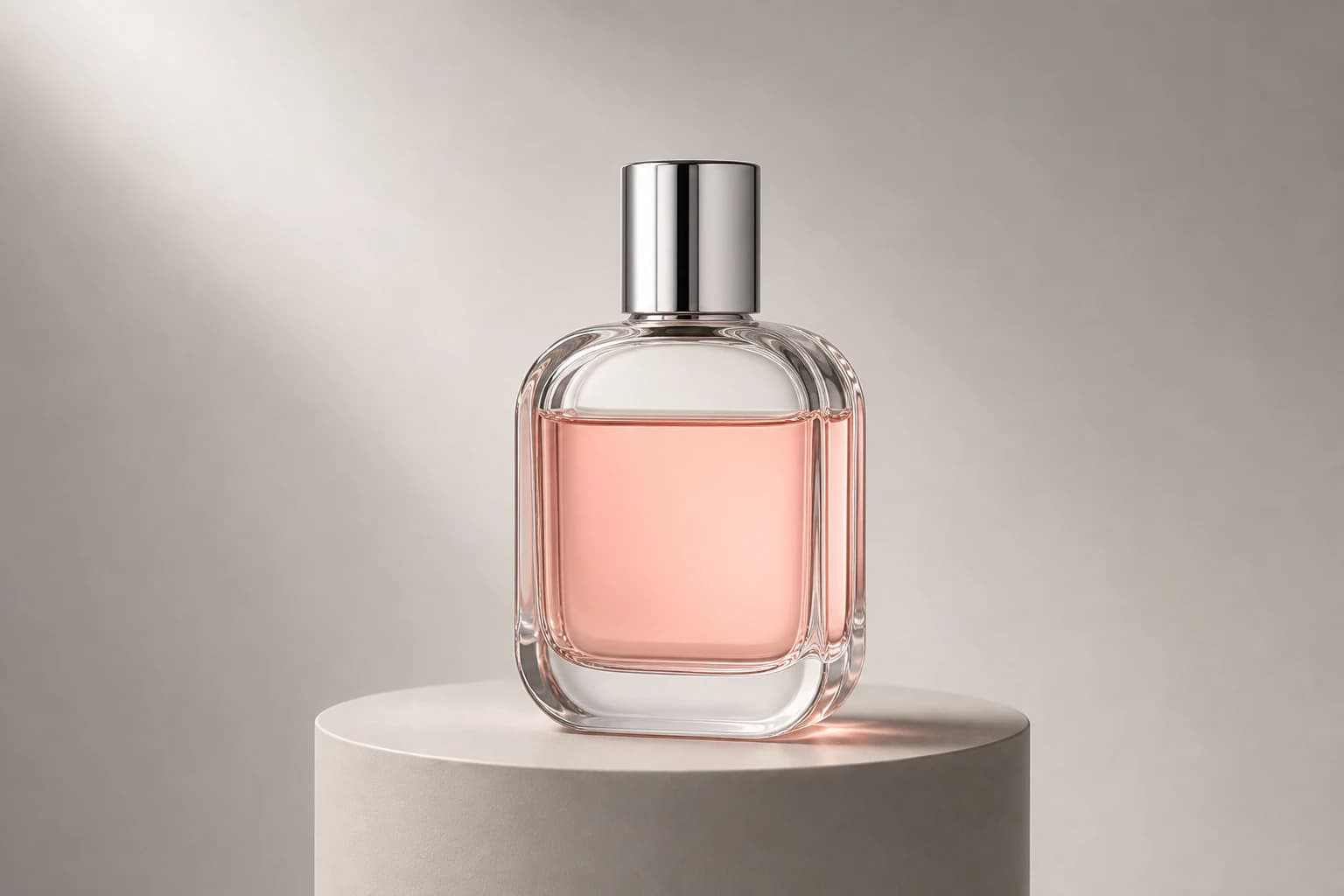
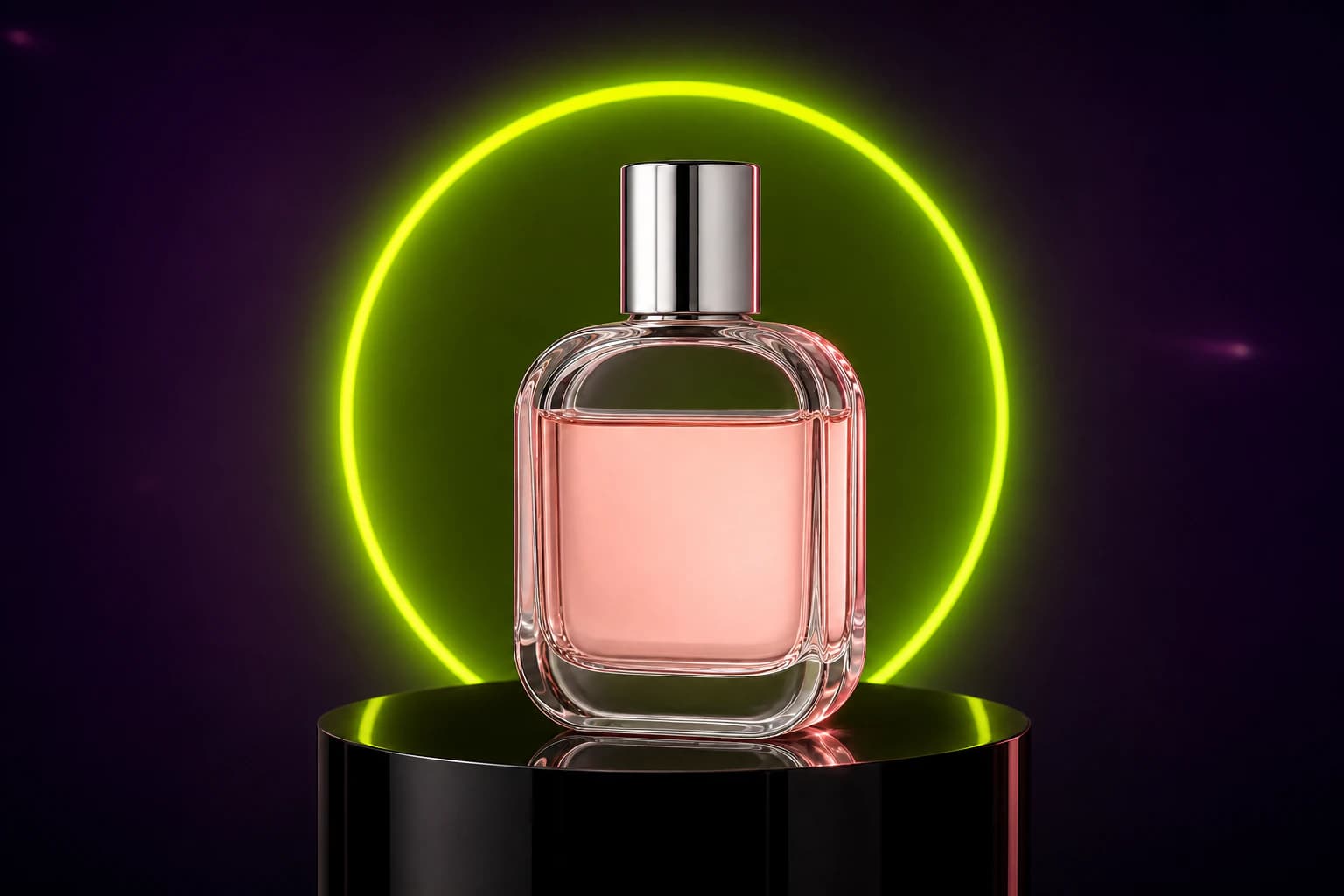 BeforeAfter
Your generated result replaces this example and remains private to your account.
Keep [foreground subject] unchanged. Replace only the background with [scene], matching [depth, light direction, shadow, and colour temperature].
Describe a compatible background and lighting direction without manually masking every edge.
Every preset instructs the model to preserve the main foreground subject.
Describe light direction and atmosphere so the new setting feels coherent.
Start with studio, workspace, interior, nature, or travel-inspired backgrounds.
Choose one JPG, PNG, or WebP reference image up to 10 MB.
Name the requested change and the identity, composition, or details that must stay fixed.
Choose the edit strength, then compare the complete source and result.
No. Upload the complete image and clearly identify the foreground subject that should be preserved.
Describe the new setting, depth of field, light direction, shadow softness, and color temperature.
Projects stay private by default. After a generation completes, you can optionally create a public result link and disable it again at any time.
Create an account and complete your first generation free if eligible, then use one shared balance across image and video tools.
Open the generator · Background Changer