
Define and protect
- Define one focal subject
- Describe composition and negative space
- Choose the final placement ratio before generation
Describe an idea, choose a format, and generate an image.
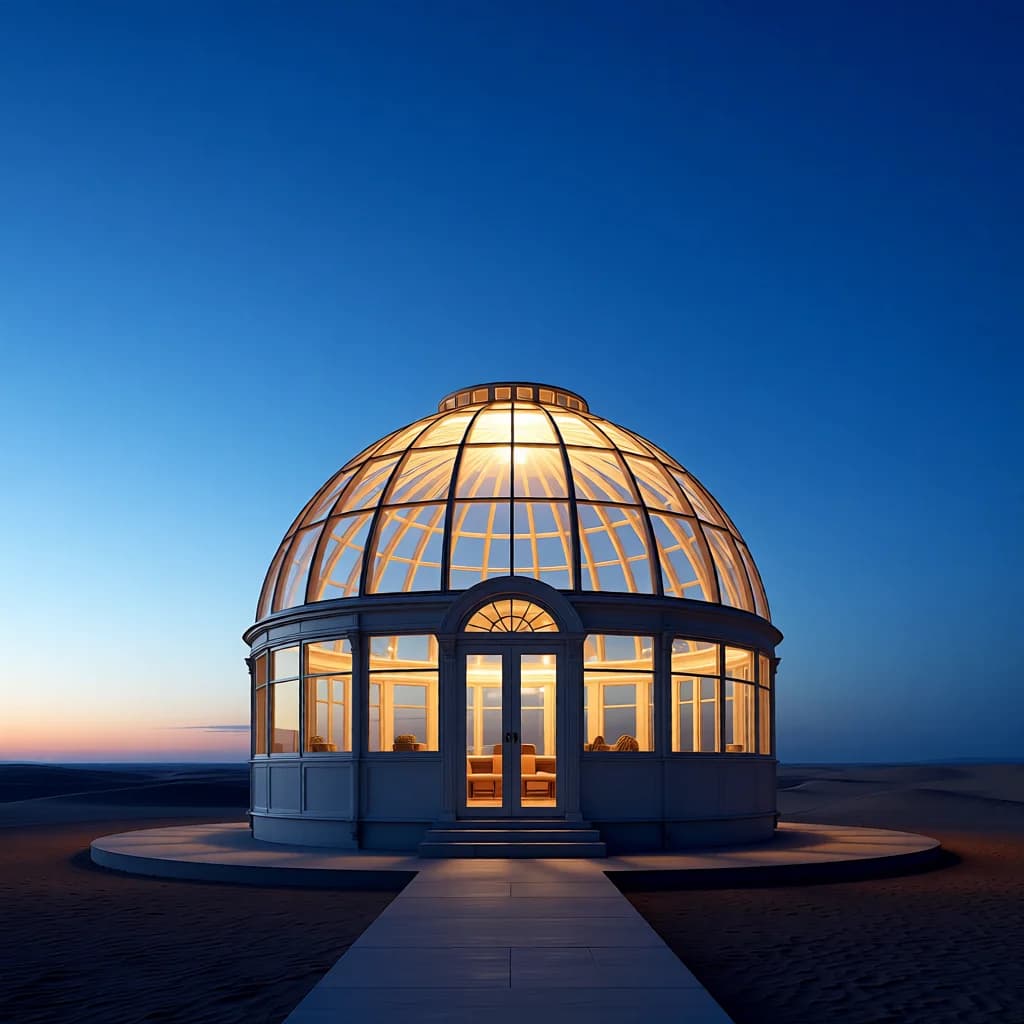
A glass greenhouse observatory in a quiet desert at blue hour, warm luminous interior, centered cinematic composition.
Create [subject] in [setting], composed as [framing], lit by [light], using [medium], in [aspect ratio].
Control the visual intent through language instead of layers, masks, and manual rendering.
Generate square, portrait, landscape, story, and presentation-ready compositions.
Apply photography, illustration, painting, sketch, or 3D prompt guidance.
Generated work appears only in your account history and result panel.
Describe the subject, setting, composition, lighting, palette, and visual medium.
Choose a visual direction and one of seven output aspect ratios.
Review the full result, download it, or continue from private history.
It means you can direct the subject, composition, aspect ratio, lighting, palette, and visual medium in your own words, then refine or transform the result across connected tools. It does not mean unfiltered generation: lawful-use rules and safety protections still apply.
Include the main subject, setting, composition, lighting, mood, and desired medium. Prompt polish can help structure it.
Projects stay private by default. After a generation completes, you can optionally create a public result link and disable it again at any time.
Create an account and complete your first generation free if eligible, then use one shared balance across image and video tools.
Open the generator · Text to Image