
Define and protect
- Composition and subject placement
- Recognisable identity or object silhouette
- Perspective and major proportions
Keep the composition while changing the visual treatment.
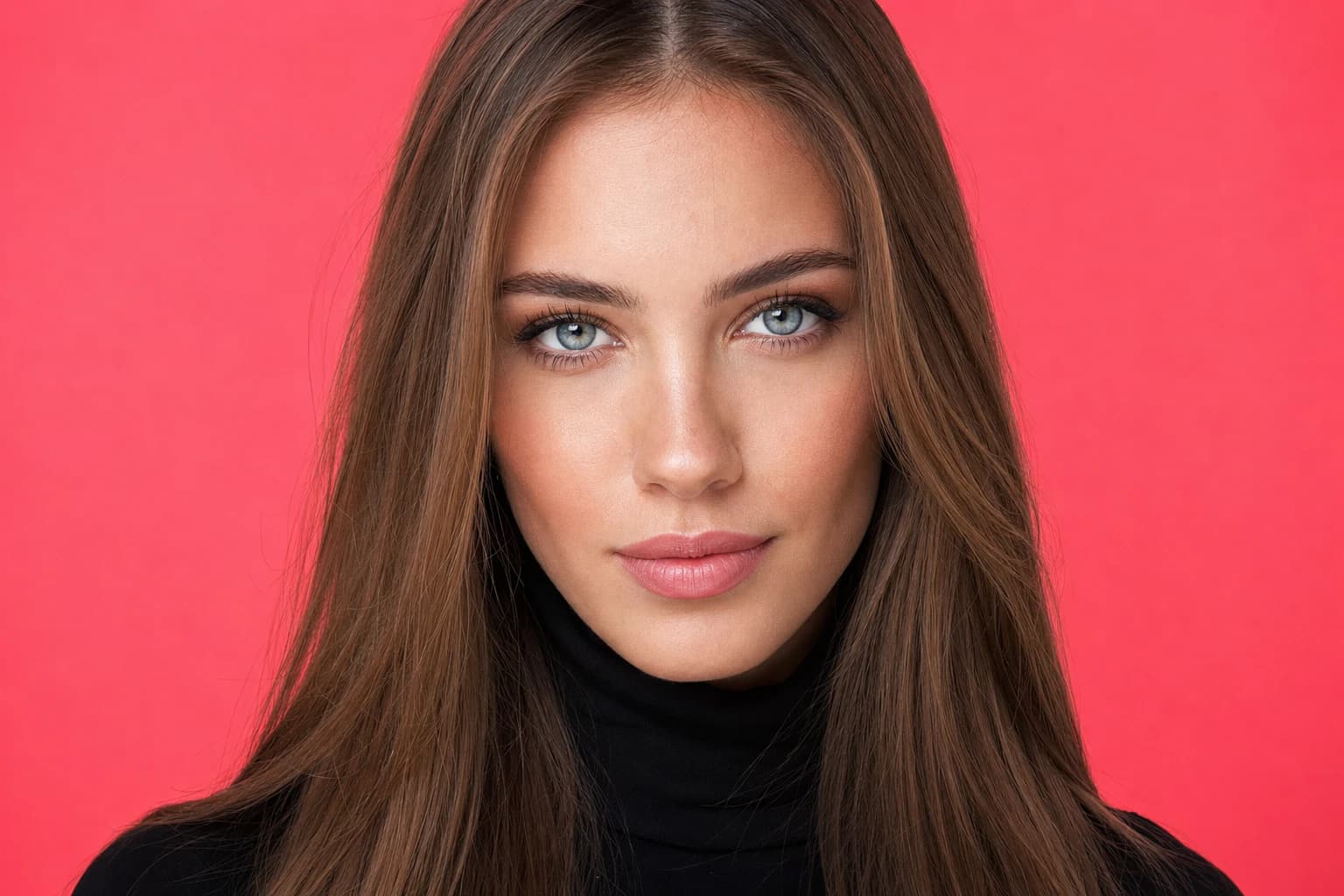
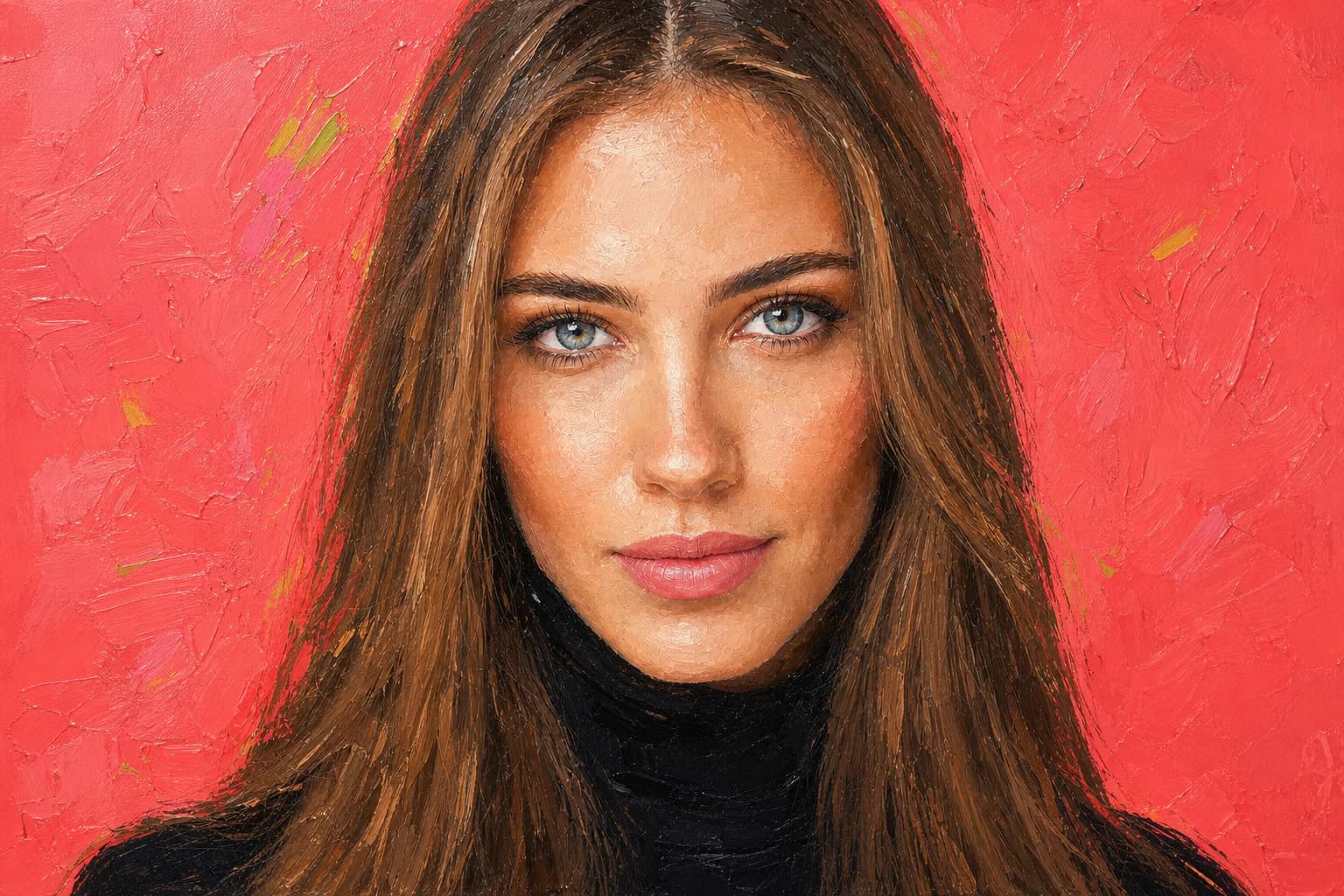 BeforeAfter
Your generated result replaces this example and remains private to your account.
Preserve [composition and subject]. Restyle as [medium] with [materials, line quality, texture, palette, and lighting].
A reference image keeps the idea grounded while the prompt changes its medium and treatment.
Start from practical style chips instead of memorizing prompt vocabulary.
Use the source image to guide structure while changing the rendering style.
Try multiple treatments from the same source and compare them in history.
Choose one JPG, PNG, or WebP reference image up to 10 MB.
Name the requested change and the identity, composition, or details that must stay fixed.
Choose the edit strength, then compare the complete source and result.
Use the built-in Photo, Illustration, Painting, Sketch, and 3D prompt directions, or describe your own treatment.
The presets describe broad visual media and techniques rather than asking for a living artist's signature style.
Projects stay private by default. After a generation completes, you can optionally create a public result link and disable it again at any time.
Create an account and complete your first generation free if eligible, then use one shared balance across image and video tools.
Open the generator · Image Restyle